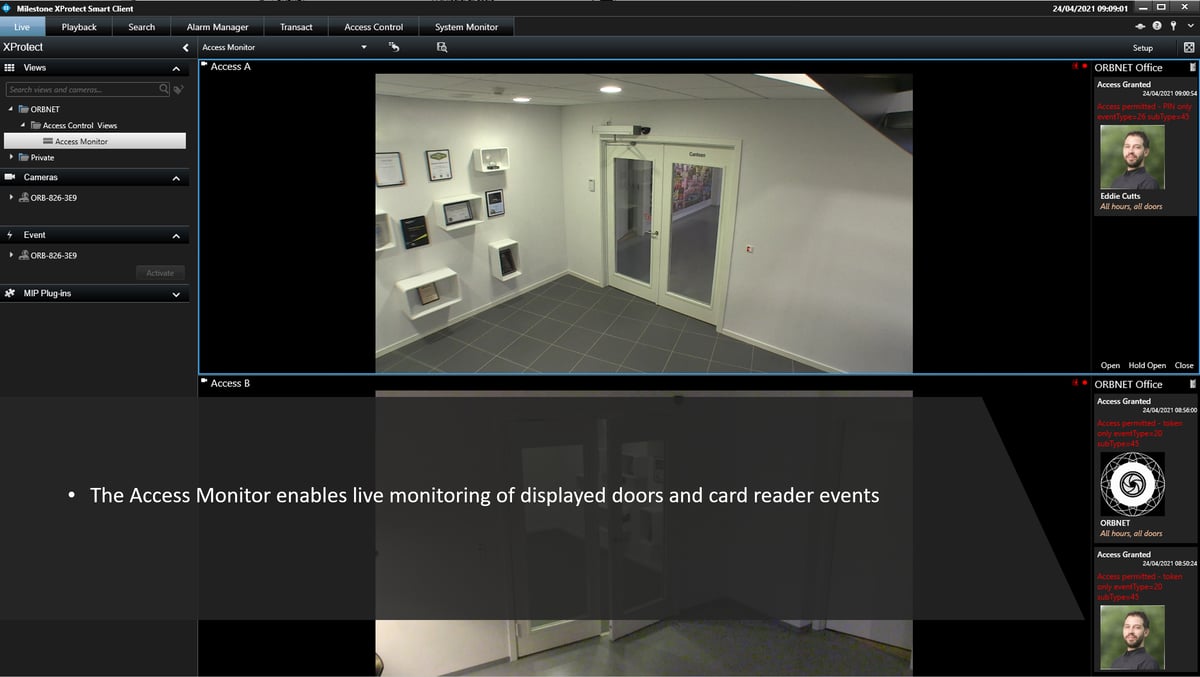
Bring access events and video together with ORBNET's Grosvenor C4 Integration for XProtect, helping operators verify activity, respond faster, and manage security from one familiar environment.

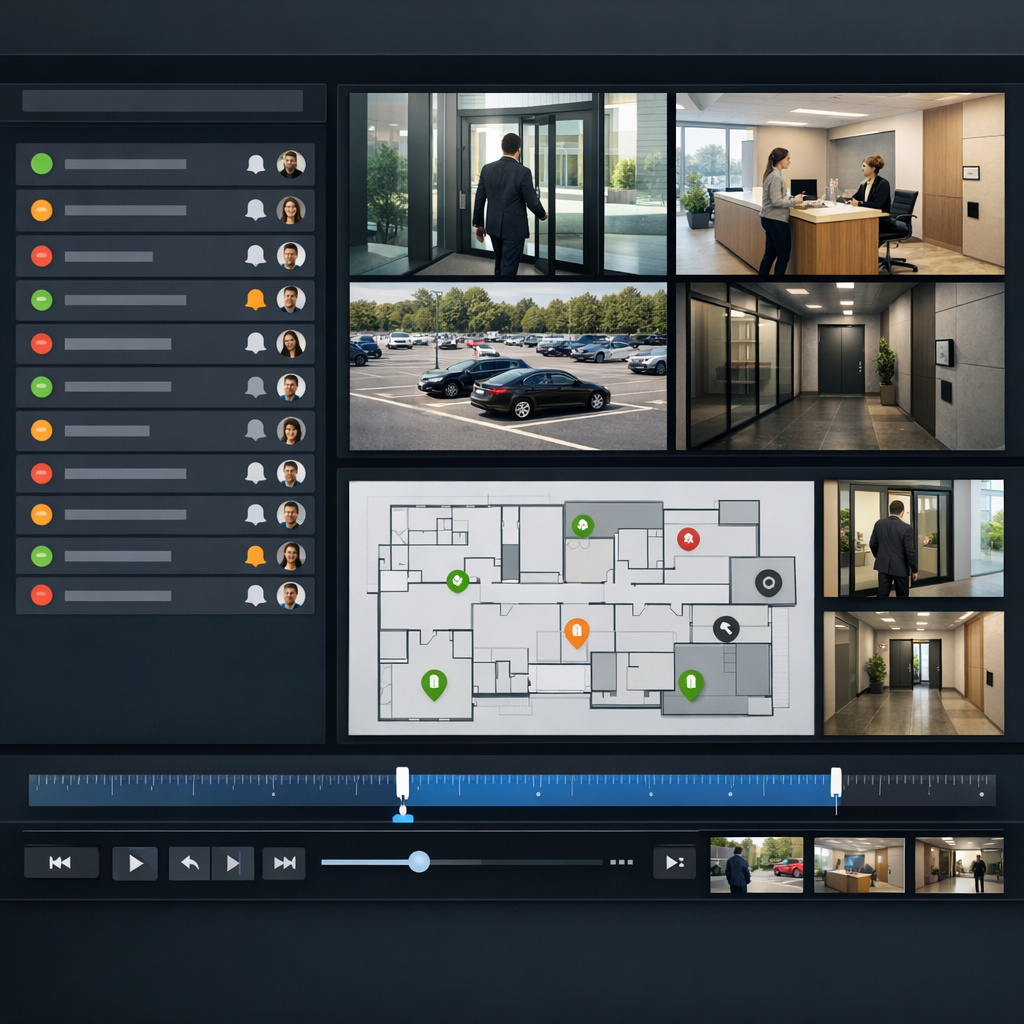
Verify Access Events With Video
Video Verification for Door Activity
Access control events are far more powerful when they can be verified with video.
ORBNET’s Grosvenor C4 Integration helps operators link door activity with relevant camera views, making it easier to understand what actually happened at an entrance, gate, restricted area, or staff-only zone.
Whether investigating an access denied event, checking a forced door alert, or reviewing out-of-hours movement, teams can combine access data and video context to make faster, more confident decisions.
ORBNET’s Grosvenor C4 Integration helps operators link door activity with relevant camera views, making it easier to understand what actually happened at an entrance, gate, restricted area, or staff-only zone.
Whether investigating an access denied event, checking a forced door alert, or reviewing out-of-hours movement, teams can combine access data and video context to make faster, more confident decisions.
What the Integration Enables
Access Events Inside Milestone XProtect
Bring Grosvenor C4 access control events directly into the Milestone XProtect environment, giving operators a clearer view of door activity without needing to constantly switch between systems.
Events such as access granted, access denied, door forced, door held open, and out-of-hours activity can be surfaced inside XProtect and used with the Milestone rule engine to trigger alerts, recordings, bookmarks, camera actions, notifications, or wider security workflows.
This helps security teams respond faster, reduce manual checks, and make better use of the systems they already rely on.
Events such as access granted, access denied, door forced, door held open, and out-of-hours activity can be surfaced inside XProtect and used with the Milestone rule engine to trigger alerts, recordings, bookmarks, camera actions, notifications, or wider security workflows.
This helps security teams respond faster, reduce manual checks, and make better use of the systems they already rely on.
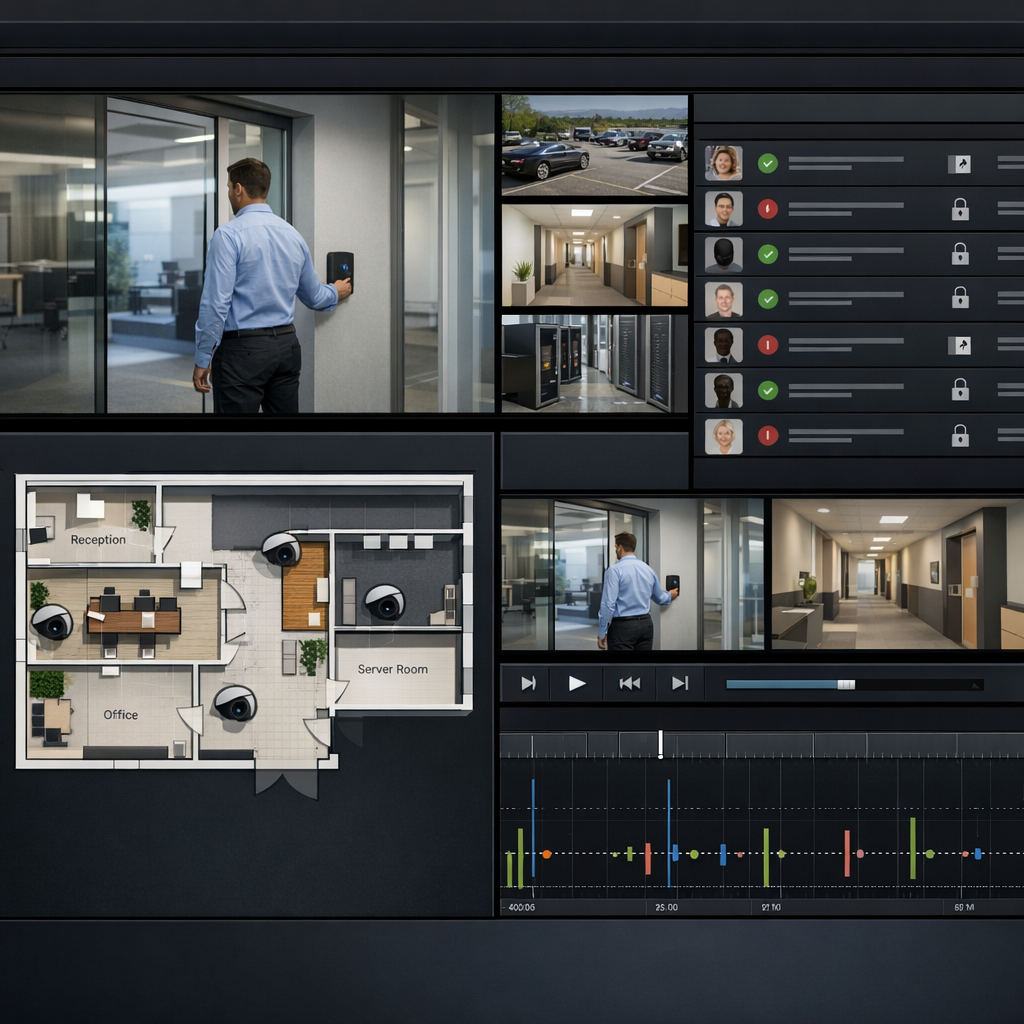

Enpowering Operators
Maps and Smart Client Door Control
Give operators a map-based view of doors, cameras, and key site areas inside the Milestone XProtect Smart Client.
By placing access points in a visual site layout, teams can quickly understand where an event is happening and what nearby cameras or assets may be relevant. Where supported, operators can also perform practical door actions directly from the Smart Client, such as locking, unlocking, or confirming access.
This creates a more intuitive, single-pane-of-glass experience for control rooms, reception teams, facilities staff, and security operators.
By placing access points in a visual site layout, teams can quickly understand where an event is happening and what nearby cameras or assets may be relevant. Where supported, operators can also perform practical door actions directly from the Smart Client, such as locking, unlocking, or confirming access.
This creates a more intuitive, single-pane-of-glass experience for control rooms, reception teams, facilities staff, and security operators.
Grosvenor C4 Workflows in XProtect
Connected Security Workflows
Bring Grosvenor C4 into the wider security operation by connecting access control activity with video, alarms, maps, rules, and operator response procedures.
Instead of treating access control as a separate system, ORBNET helps make it part of the day-to-day XProtect workflow. This supports faster verification, clearer escalation, and better coordination between security, facilities, reception, and operational teams.
For schools, offices, healthcare sites, campuses, logistics facilities, and multi-building estates, this helps improve visibility, reduce operator workload, and increase the value of existing Paxton Net2 and Milestone XProtect investments.
Instead of treating access control as a separate system, ORBNET helps make it part of the day-to-day XProtect workflow. This supports faster verification, clearer escalation, and better coordination between security, facilities, reception, and operational teams.
For schools, offices, healthcare sites, campuses, logistics facilities, and multi-building estates, this helps improve visibility, reduce operator workload, and increase the value of existing Paxton Net2 and Milestone XProtect investments.